Tuskk: A Second Brain App for Your Physical World
Tuskk: A Second Brain App for Your Physical World
Tuskk Team
July 26, 2026 · 10 min read
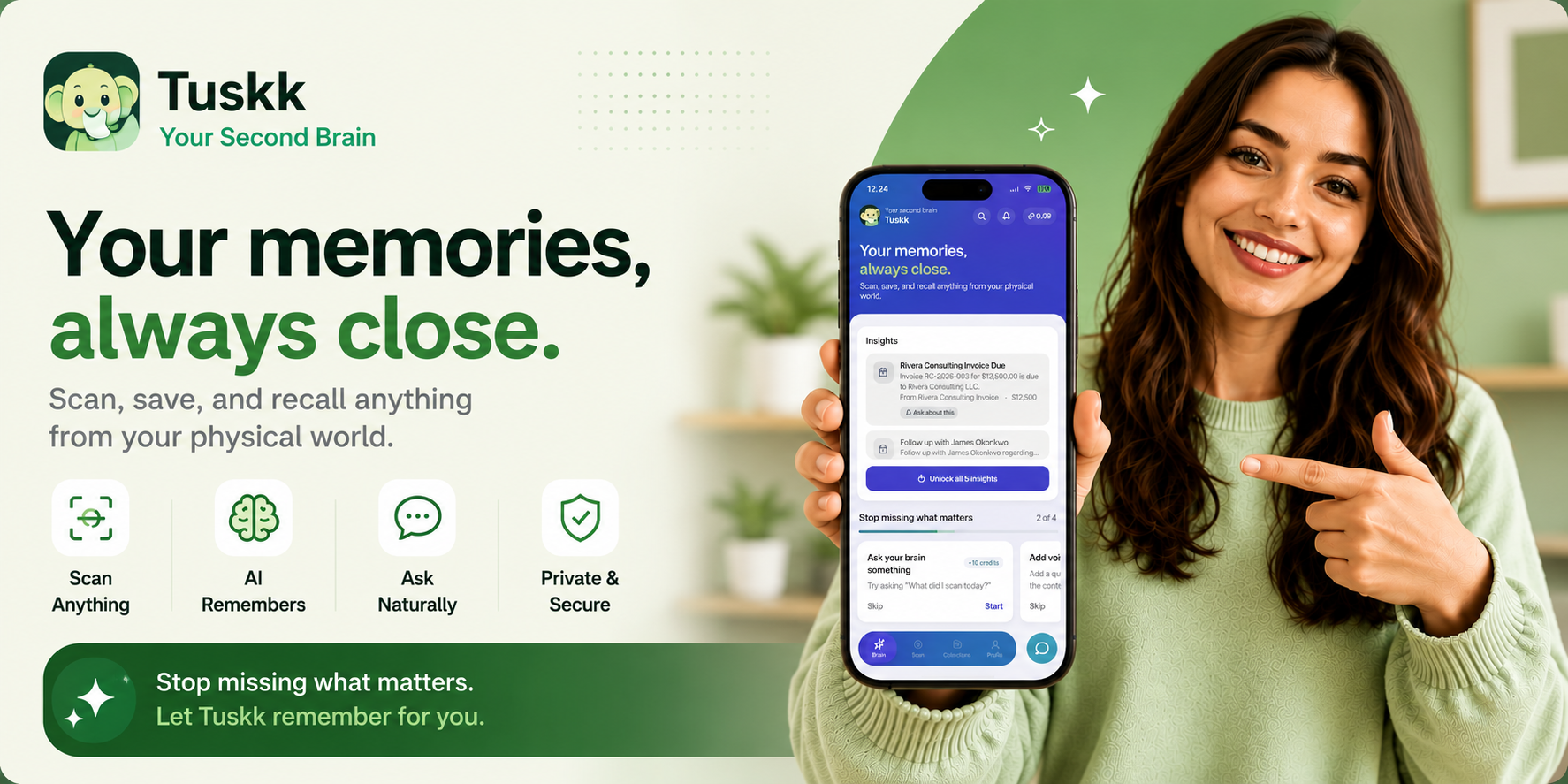
You know the receipt you will need for a return, the business card from someone you actually want to follow up with, the dosage on a prescription label after you already tossed the box. You take a photo just in case, and it vanishes into a camera roll with ten thousand others. Nobody ever finds that photo again.
A second brain app is built for exactly that moment. Tuskk is a second brain app for your physical world: you snap a photo of anything you do not want to lose, forget about it on purpose, and later just ask for it back in plain words. No folders. No tags. No filing system to keep up with.
That phrase deserves a real definition: what a second brain app is, why your physical world has never had a search bar, how Tuskk turns a photo into an answer, and who it quietly helps the most. If losing things has ever made you feel careless, the reframe is worth keeping.

What a second brain app really is
A second brain app is a place to store what you would otherwise have to remember, so your actual brain does not have to hold it. The idea is old. What is new is that you no longer have to type everything in. You can point a camera at the physical world and let the app do the remembering for you.
Most second brain tools still quietly assume an organized person. They ask you to write notes, build folders, and keep tags tidy. That works right up until the day you are tired, busy, or distracted, which is most days. For a brain that already struggles to file things, that upkeep is the exact wall it hits.
Every traditional system charges the same quiet toll. Before an item can be put away, you have to decide its category, remember the folder, and stop what you are doing to file it right now. Miss a few of those steps, which everyone eventually does, and the whole system drifts into a mess you no longer trust.
A second brain for the physical world flips the order. You capture first and organize never. The thing you snapped is already safe, already read, already findable. If you have ever built the perfect folder system and watched it collapse in a week, that is not a discipline problem. It is how the ADHD brain handles memory and attention, and it is the whole reason Tuskk works the way it does.
Your physical world has no search bar (the core idea)
Your inbox has a search bar. Your notes app has one. Your bank statements are searchable to the cent. The physical world is the one place that is not: the receipt in your coat pocket, the warranty in a drawer, the parking level you already forgot. All of it is real information with no way to look it up.
That is the gap Tuskk fills. Receipts, business cards, prescriptions, menus, tickets, warranty cards, serial-number plates: every one carries details you might need. Those details are only useful if you can find them again. Today, finding them means remembering which of ten thousand photos holds the thing, or digging through a physical pile until you give up.
A second brain app gives the physical world the search bar it never had. You do not file the receipt. You photograph it once, and later you ask, the way you would ask a person who happened to remember for you. The remembering becomes a lookup instead of a hunt.
The questions are the ordinary ones a scattered day throws at you. Where is my car warranty. What was that parking spot. When does the prescription run out. What did I pay the electrician. None of those needs a folder. Each one just needs the physical thing to have been photographed once, and then it is a plain question with a plain answer.
How Tuskk works: scan, save, ask
The whole thing is three steps, and only one of them asks anything of you. You point, it reads, you ask.

- Scan
Point your phone's camera at almost anything: a grocery receipt, a business card, a prescription label, a restaurant menu, a ticket stub, a warranty document. Tuskk recognizes a wide range of everyday documents on its own, so you never have to tell it what you are holding before you snap it.
- Save
Once it is captured, Tuskk reads the meaningful details out of the image: names, amounts, dates, dosages, addresses. Then it sorts them for you. There is no data entry and no tagging. A receipt lands in Receipts, a business card lands in Contacts, and you did nothing to make that happen.
- Ask
Later, instead of scrolling, you ask a plain question. How much did I spend at that hardware store last month. What was the plumber's number. When does the prescription run out. Tuskk searches everything you have ever scanned and hands back the answer, not a pile of files to dig through.
Two things make that answer worth trusting. Tuskk pulls the details straight from what it saw in the image, so the answer traces back to the actual receipt or label, not a guess. And scans work offline and sync once you are back online, so a weak signal at the store never costs you the capture.
Worked example: from pharmacy bag to plain-language answer
It is a Tuesday. You get home from the pharmacy, drop the paper bag on the counter, and the little printed label with the dosage goes wherever those always go. Three weeks later someone asks what you are taking and how often, and you have no idea where the box went.
This is the out-of-sight, out-of-mind trap in miniature. The label was never a memory problem you could try harder at. It left your sight, so it left your mind, and no amount of willpower keeps a slip of paper present once it is in a drawer. A second brain app does not ask you to remember it. It just quietly holds it for you.
Now the same Tuesday, with a second brain app in your pocket. Before the bag moves off the counter, you snap the label. That is the entire filing step. Tuskk reads the medication name, the dose, and the instructions, and quietly holds them until you need them.
| The moment | What usually happens | What happens with Tuskk |
|---|---|---|
| You get home with the bag | The label ends up in a drawer or the recycling | One photo, and the dose and instructions are saved |
| Three weeks later, a question | You hunt for the box or guess from memory | You ask what the dose is and read it straight back |
| The refill runs low | You notice too late, at the worst time | You ask when it was filled and plan the refill |
| A doctor asks for your list | You try to recall names and doses on the spot | You pull up every label you have snapped in seconds |
Nothing in that day asked you to be more organized. You did not build a medication tracker or start a health binder. You took one photo of a label on a Tuesday, and weeks later the answer was simply there when you needed it. That is the whole shape of how a second brain app earns its place in a real, messy life.
Give your brain a place to put things
Snap it once, forget it on purpose, and find it later just by asking. Tuskk holds the receipts, cards, and details you always lose.
Download on the
App Store
Google Play
Coming soon
Download Tuskk
Second brain app vs notes app vs camera roll
A notes app and a camera roll both store things. Neither one remembers for you. A note still needs a title and a folder. A photo is just pixels with no idea what is inside it. A second brain app reads the content, sorts it on its own, and answers plain-language questions, which is the part that actually saves you.
| The task | Camera roll | Notes app | Second brain app (Tuskk) |
|---|---|---|---|
| Capturing it | One tap | You type it in | One tap |
| Reading what is inside | No, just an image | No, just your words | Yes: names, amounts, dates |
| Organizing it | You scroll to find it | You build folders and tags | Automatic, nothing to sort |
| Finding it later | Remember which photo | Remember the title | Ask in plain words |
| Keeping it up | It piles up | Folders to maintain | Nothing to maintain |
The camera roll is where good intentions go to get lost. You captured the thing, which felt responsible, and then the capture became one more haystack. Being able to ask what you paid beats having a photo of the receipt every time. The same goes for the receipt itself: here is how Tuskk reads a receipt and keeps the details findable weeks later.
None of this means a notes app is bad. It is great for thoughts you type on purpose. The physical world is just a different problem: the stuff arrives already written, on paper you did not create, and the job is to catch it, not to compose it. That is the job a second brain app is built for.
Who a second brain for the physical world is for
Anyone who has lost a thing they needed. That is the honest answer. But a few groups feel it most, and Tuskk was shaped around them.
- People with ADHD, who lose things not from carelessness but because an object out of sight slips out of mind. Capture first and organize never fits how the brain already works.
- Freelancers and small business owners, who keep every receipt scanned and searchable, so tax season is a question you ask instead of a shoebox you dread.
- People who network heavily, who leave a conference with a stack of cards and no plan. You can scan the stack and find anyone later by what they do, not the name you forgot.
- Caregivers, who keep medication labels, doctor's notes, and insurance details for a family member, so the answer is ready during an appointment.
- Anyone protecting what they own. A quick photo walk turns your stuff into a home inventory app you can actually search, long before you ever need a claim.
If you recognize yourself in more than one of those, that is normal. Most people are a freelancer and a caregiver and the person who lost the warranty, all in the same week. The point stays the same for every one of them: capture the physical thing, and let the finding happen later, on its own.
Getting started and what it costs

Getting started takes one photo. Tuskk has a free tier so you can try scanning and searching with a limited number of scans, and a paid Pro tier for unlimited scanning, deeper extraction, and extras like data export. It runs on iPhone and Android, and your scans work offline and sync when you are back online.
You do not need to scan everything, and you do not need a perfect streak. Every single thing you save is one less thing your brain has to carry. Start with the next receipt, the next card, the next label, and let the searchable record grow from there on its own.
The record only gets more useful over time. The receipt you snap today is the return you make next month, the warranty you claim next year, the expense you find at tax time. One photo does quadruple duty, without you ever deciding in the moment which job it will end up doing.
You should not have to become a more organized person to stop losing things. You should just have a better place to put them.
Frequently asked questions
Losing things was never really about how much you care or how hard you try. It is about a physical world with no search bar, and systems that were never built for the way your brain keeps score. A second brain app carries the remembering for you, so the next time you reach for something that matters, it is right where you can find it.
Give your brain a backup
Capture what matters in one tap, forget it on purpose, and find it later just by asking. Let Tuskk hold the details for you.
Download on the
App Store
Google Play
Coming soon
Download Tuskk


